Chapter 01 · Capture

Every street, measured to survey grade.

GeoAutomation captures 360° street-level imagery from vehicle-mounted systems and turns it into survey-grade spatial data, AI-extracted asset inventories and large scale 3D models for engineering, urban planning and infrastructure management. The capture systems, the image-based point cloud pipeline and the AI models are proprietary and built in-house.

up to 5 cmXYZ accuracy, survey-grade
70+asset classes detected by AI
2005founded, KU Leuven research roots
3 regionsNorth America, Europe, MENA
Proprietarycapture, processing and AI, built in-house
Chapter 02 · Layer 01 / 03

Raw 360° frames along the drive.

The vehicle records a continuous sequence of high-resolution 360° images with GNSS positioning. At this stage it is just pictures and a path: nothing is measured or named.

  • Vehicle-mounted multi-camera recording
  • Urban and rural corridors
  • Faces and plates blurred automatically
Chapter 02 · Layer 02 / 03

Georeferenced. Every pixel gets a coordinate.

Photogrammetry turns the frames into an image-based point cloud and a large scale 3D model you can measure. Positions are accurate up to 5 cm in X, Y and Z, so anything visible can be measured.

  • Image-based point cloud
  • Up to 5 cm accuracy in X, Y and Z
  • Ready for points, lines and polygons
Chapter 02 · Layer 03 / 03

AI finds the assets. People verify them.

Proprietary computer vision detects, classifies and positions over 70 categories of street furniture, extracts their dimensions, and hands each record to a human QA workflow before it reaches your GIS.

  • 70+ asset classes
  • Dimensions and coordinates per object
  • Human verification to commercial accuracy
Powered by GeoToWeb
run_0412 · 360° · 1 420 frames · CRS: none01 RAW CAPTURE
X 249 812.42Y 5 186 034.17Z 42.36X 250 011.08Y 5 186 121.55Z 43.0220 mEPSG:32187 · σ XYZ up to 5 cm02 GEOREFERENCED
Utility pole · 9.4 mTraffic sign · 2.3 mManholeFire hydrantTree · Ø 0.6 mBench · 1.8 mhuman QA passed6 objects · 4 classes · 0 pending03 AI INVENTORY
Chapter 03 · Pipeline

From the vehicle to your GIS, without manual handoffs

One corridor, four stages. Scroll to send a capture run down the line.

Delivery powered by GeoToWeb
01

Capture

Vehicle-mounted 360° recording of urban and rural environments with GNSS positioning.

360° · high resolution
02

Georeference

Photogrammetry and image-based point cloud processing produce a large scale 3D model at survey-grade precision.

X Y Z up to 5 cm · image-based
03

Extract

AI detects and positions 70+ asset classes with dimensions; human QA verifies every record.

AI + human verification
04

Deliver

Results land in your GIS as SHP files or through Esri ArcGIS and JMap integrations, and stay navigable and measurable in GeoToWeb.

SHP · ArcGIS · JMap · GeoToWeb
Chapter 04 · Temporal tracking

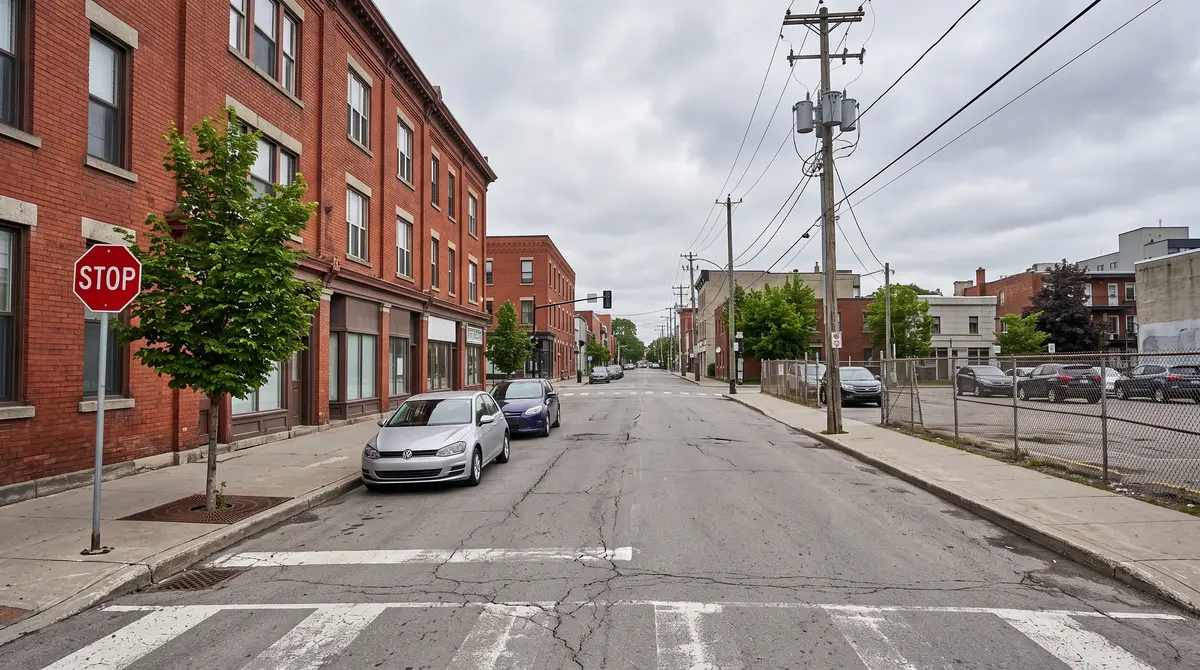
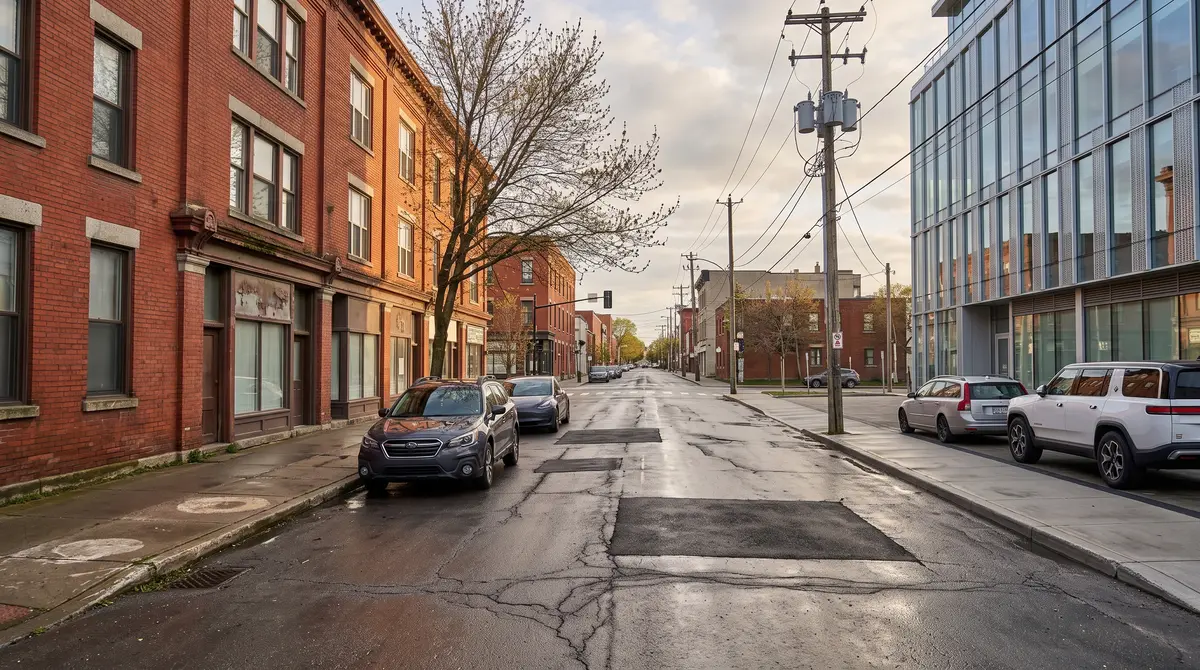
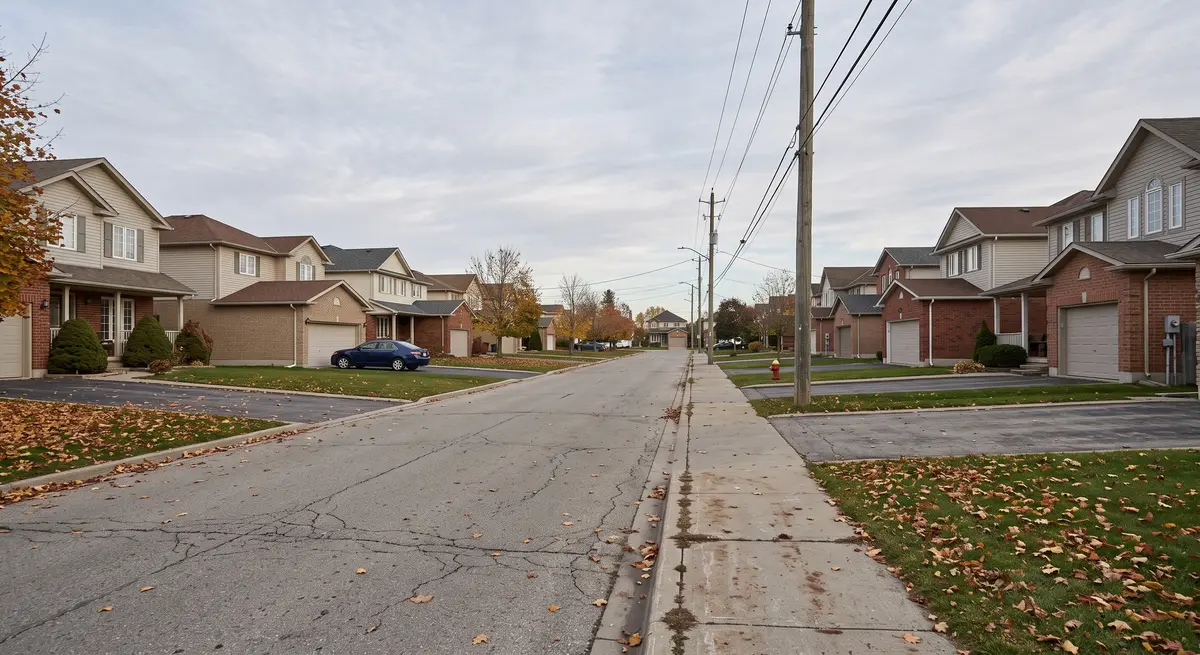
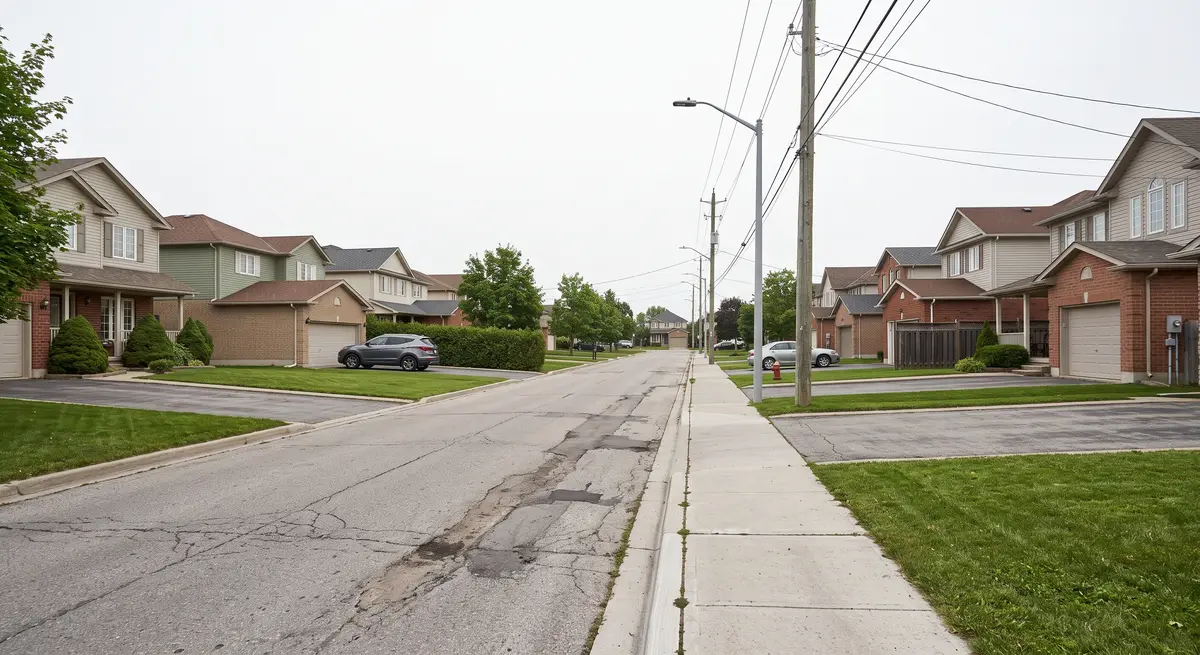
The same street, years apart

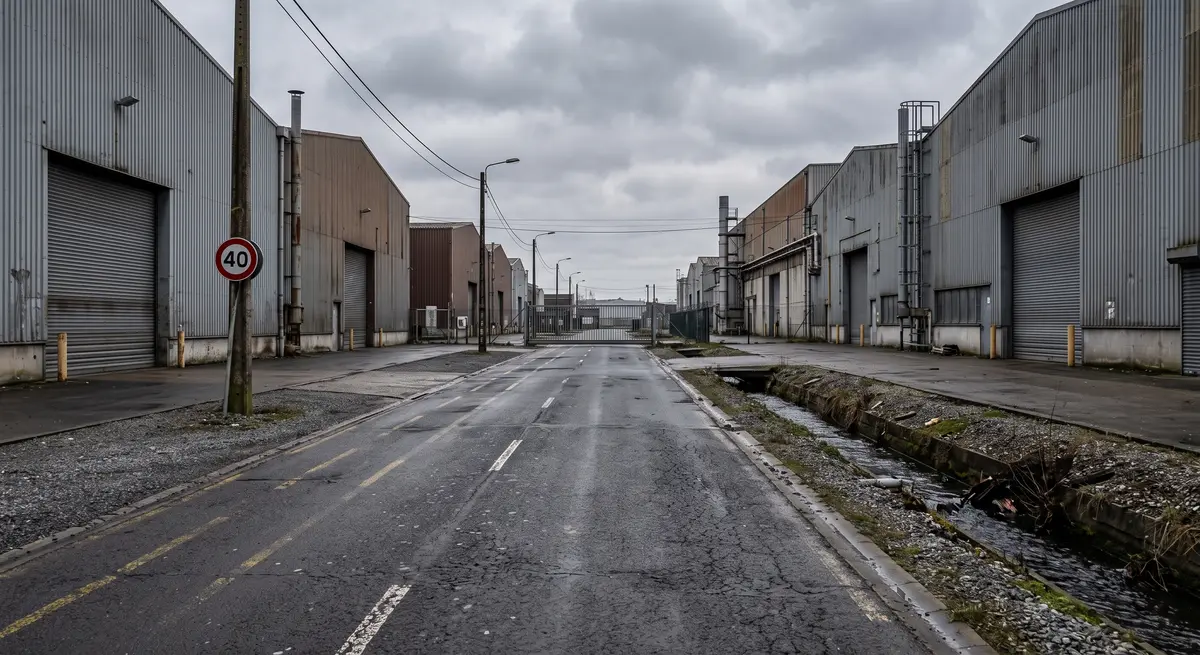
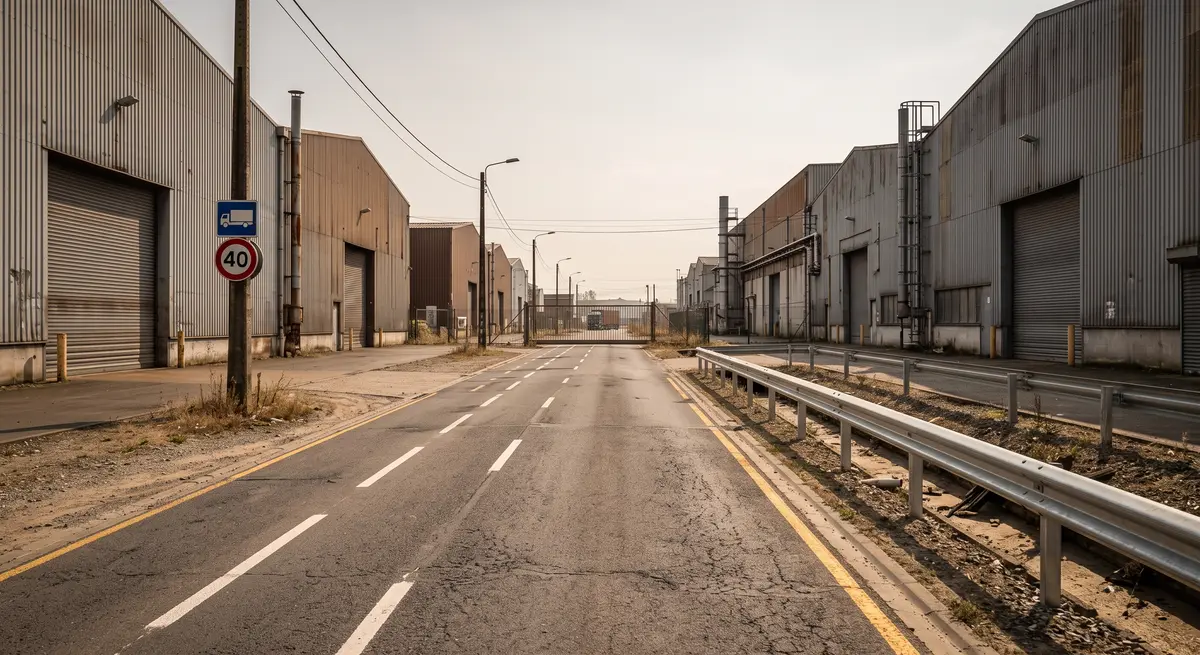
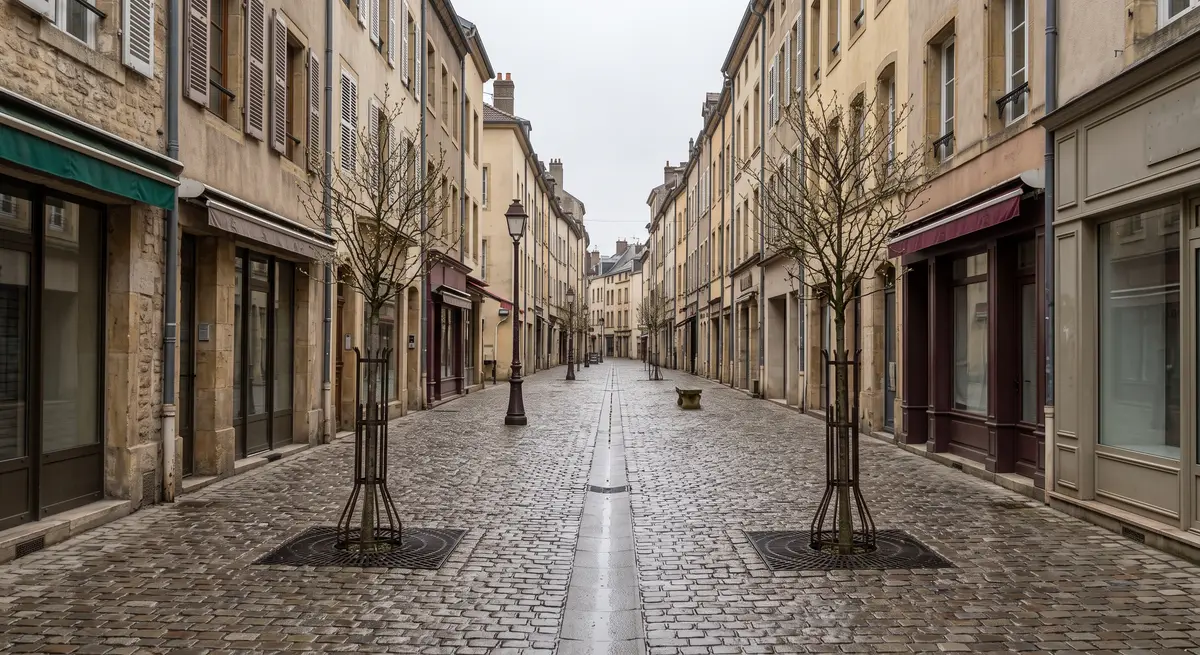
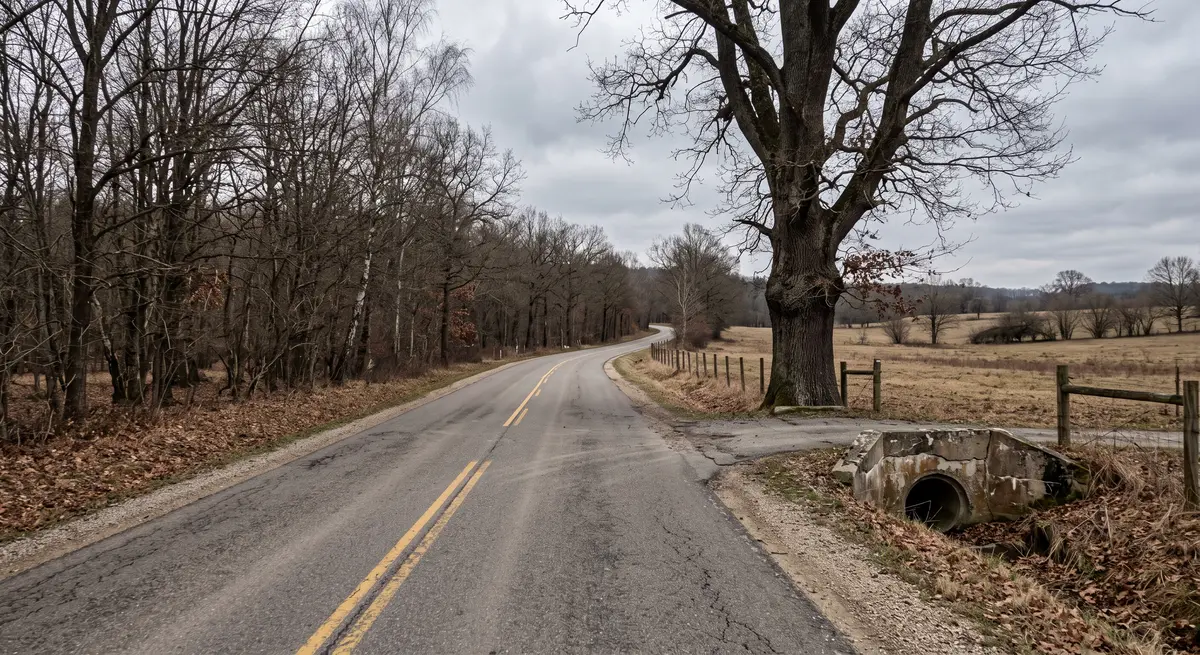
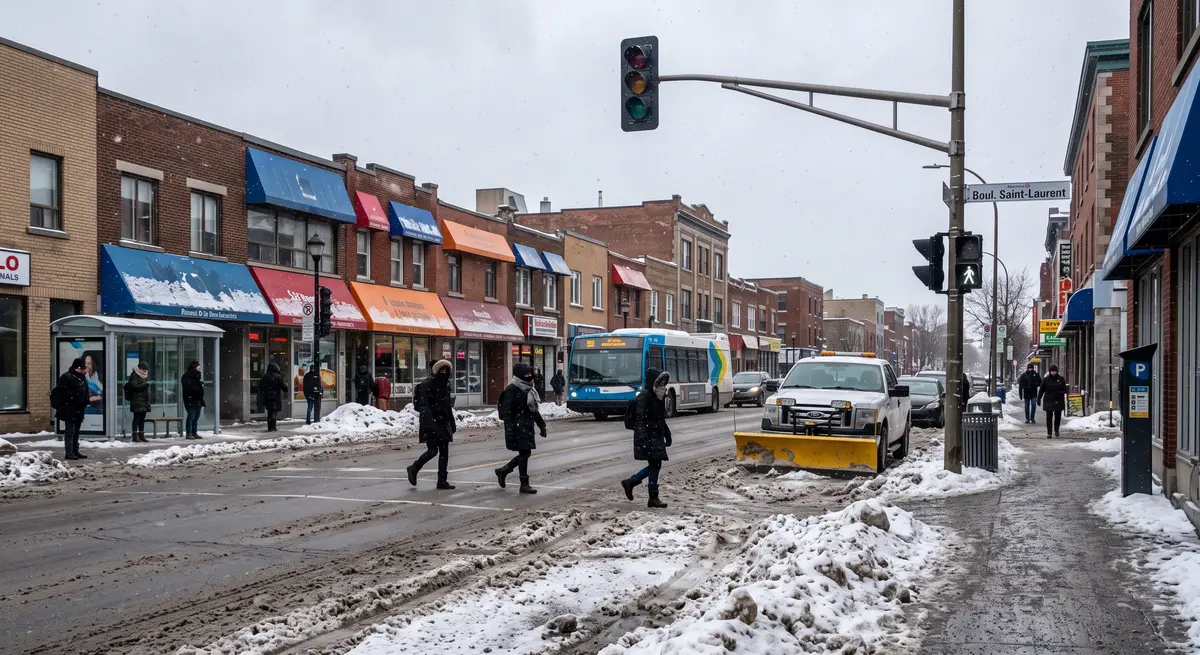
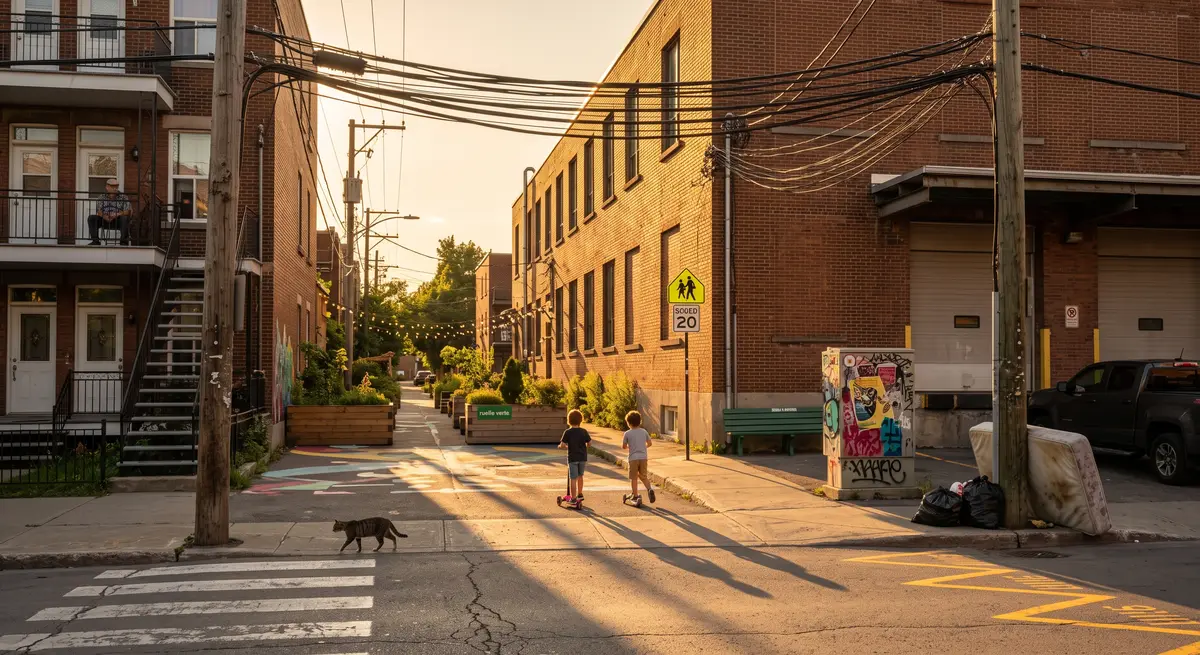
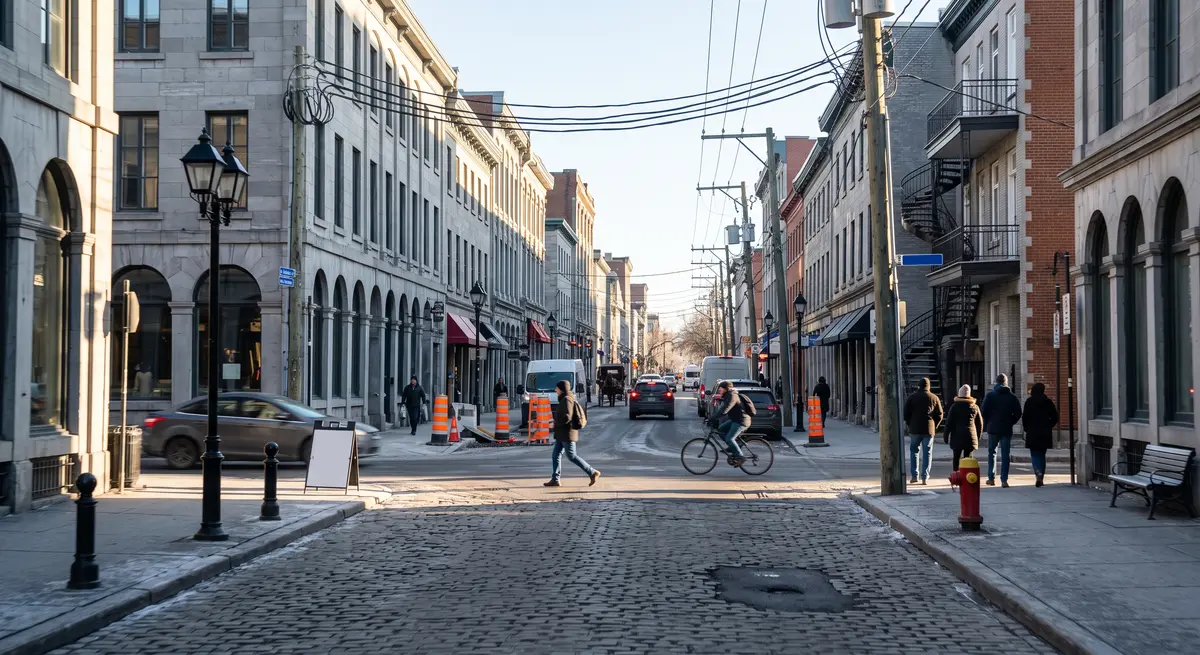
Drag the divider to compare a past capture with the present. Use the arrows, or tap a corridor below, to load another one.

  • Navigate historical street views of any corridor you have captured, directly in GeoToWeb.
  • Detect new, missing or moved assets between runs.
  • Track degradation of pavement, markings and signage over time.
Powered by GeoToWeb
BEFOREAFTER
Boulevard corridor · downtown
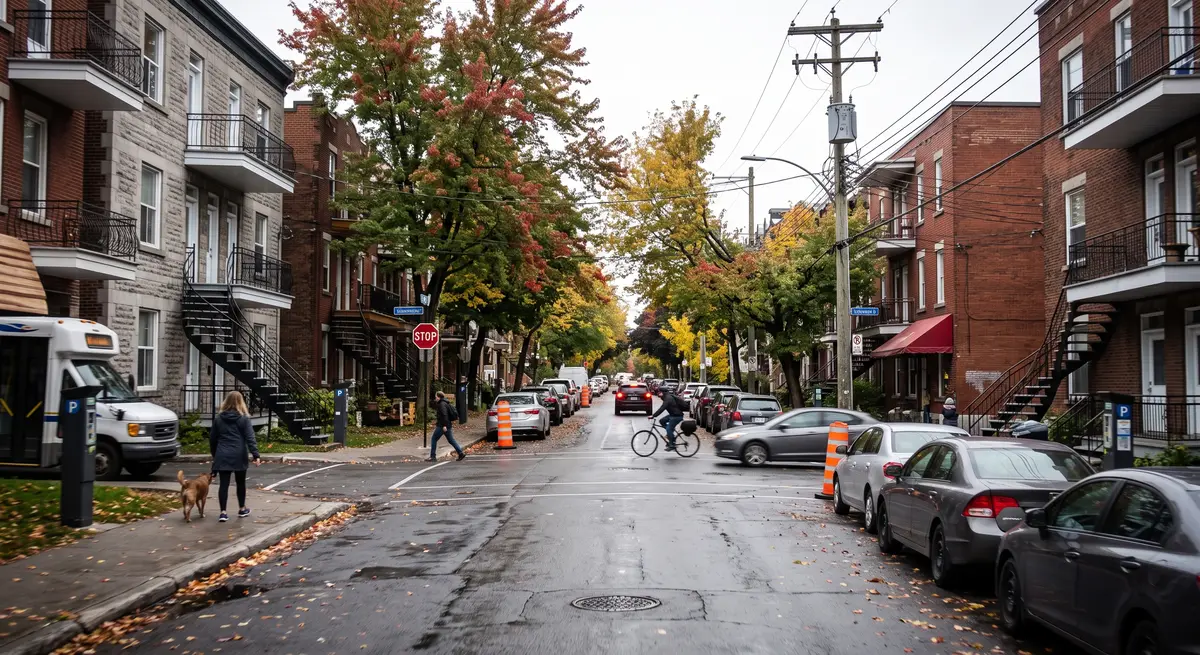
Residential street · suburb
Industrial access road
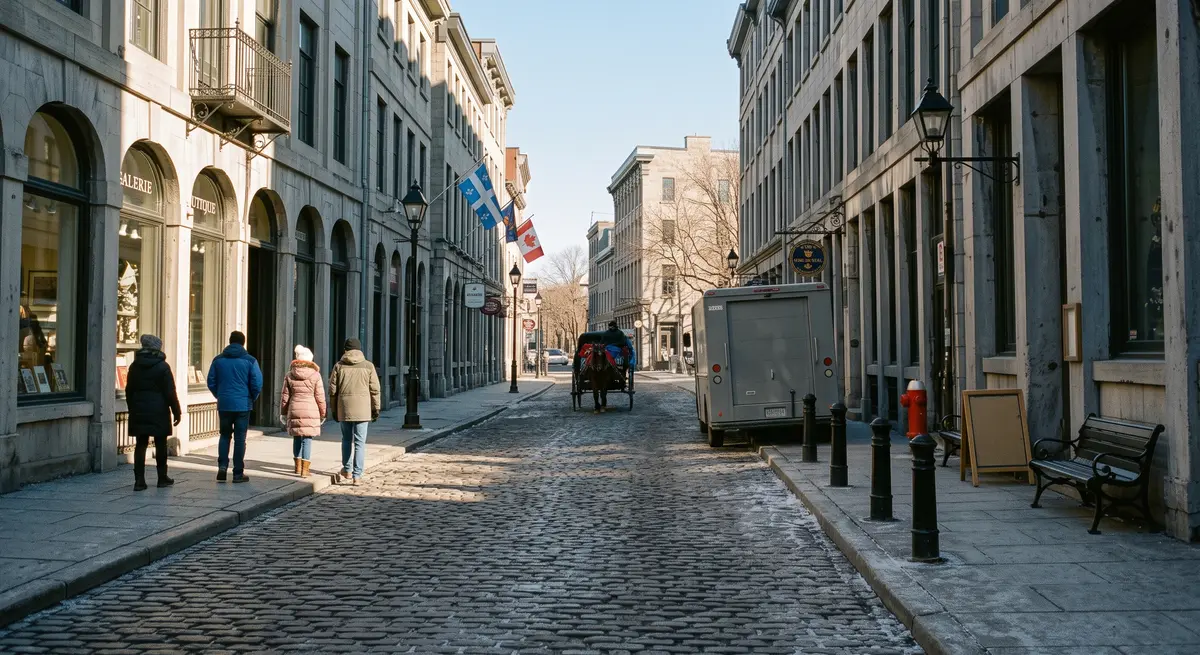
Historic centre · pedestrian
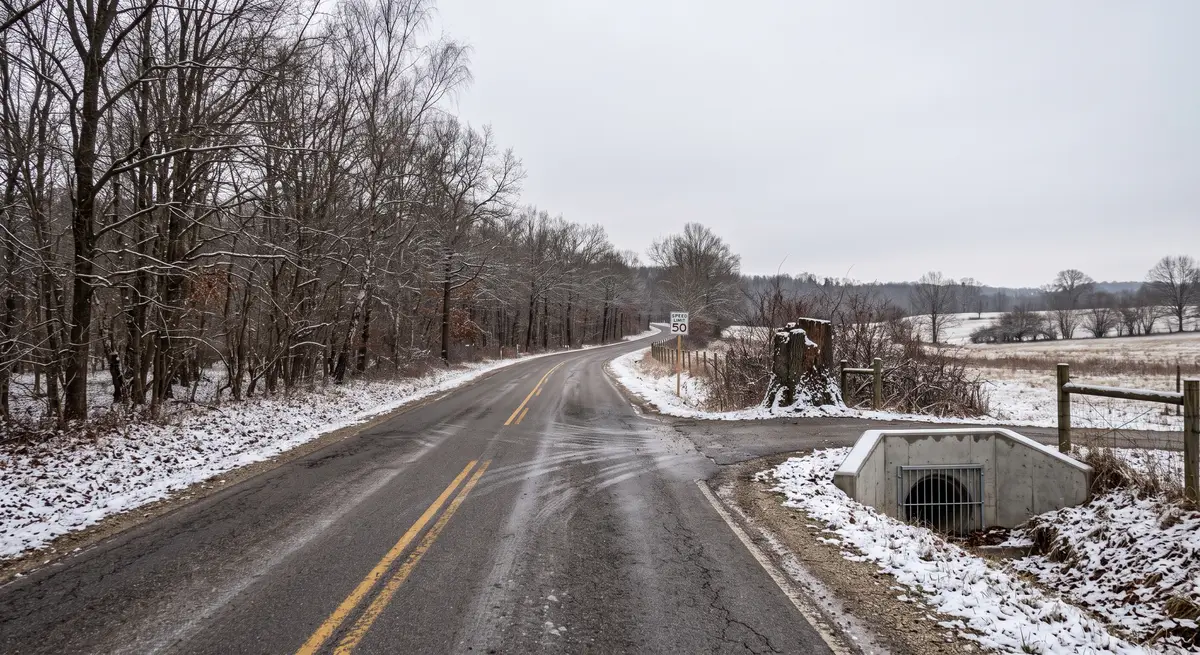
Rural road · winter capture
Chapter 05 · AI street furniture recognition

Over 70 asset classes, detected, positioned and measured

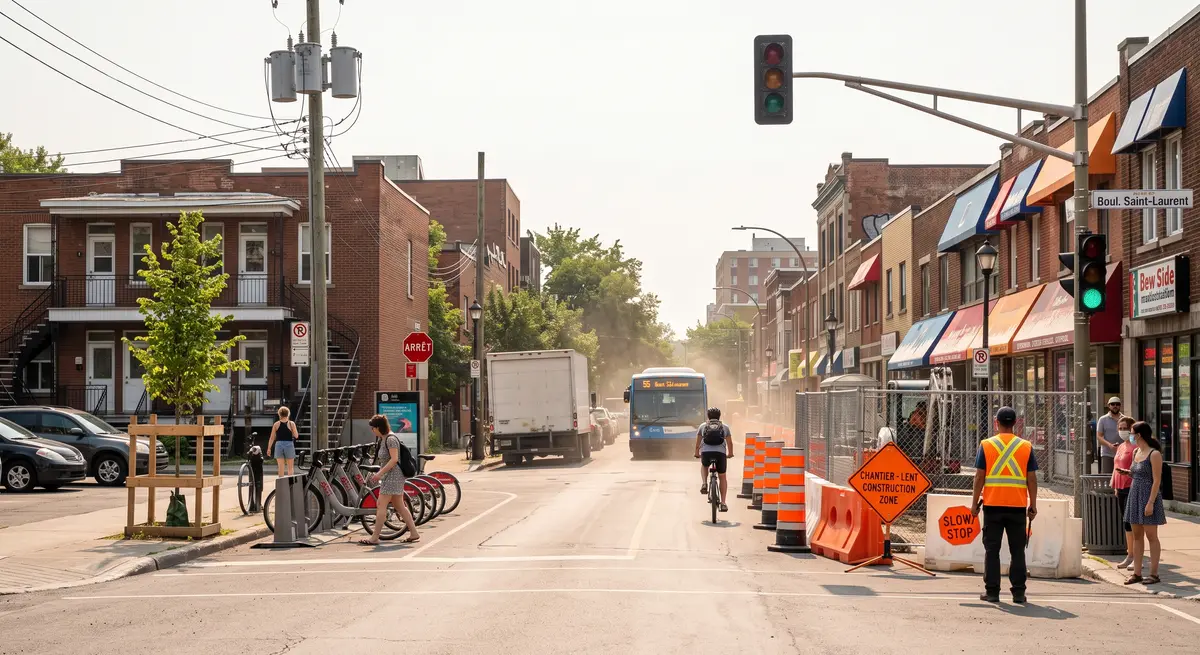
Proprietary computer vision models read the imagery and output an inventory record per object: class, coordinates, dimensions, confidence and QA status. Faces and licence plates are blurred before delivery. Every record is inspectable in GeoToWeb. Tap an image to see its detections.

Street treeBike-share stationUtility poleStreet lightIMG_001 · 39 objects
Human QA · verifiedPrivacy · 8 zones blurredInspect in GeoToWeb
Street treeStreet lightTemporary signBenchIMG_002 · 22 objects
Human QA · verifiedPrivacy · 6 zones blurredInspect in GeoToWeb
Parking pay stationStreet treeStreet lightUtility poleIMG_003 · 45 objects
Human QA · verifiedPrivacy · 8 zones blurredInspect in GeoToWeb
Bus shelterStreet treeStreet lightParking pay stationIMG_004 · 32 objects
Human QA · verifiedPrivacy · 14 zones blurredInspect in GeoToWeb
Utility poleStreet lightStreet treeElectrical cabinetIMG_005 · 25 objects
Human QA · verifiedPrivacy · 3 zones blurredInspect in GeoToWeb
BollardStreet lightUtility poleBenchIMG_006 · 45 objects
Human QA · verifiedPrivacy · 10 zones blurredInspect in GeoToWeb
0asset classes
0positional accuracy
0records human-verified
Class
Confidence
Dimensions
Position (EPSG:32187)
Human QA · verified
Inspect in GeoToWeb

Inventories we produce

Each inventory is delivered as a GIS layer with geometry, attributes and a QA status per record, and stays navigable frame by frame in GeoToWeb.

Tree inventory
  • DBH, diameter at breast height
  • Total height
  • Canopy width
  • Species class and position
cm · m · point geometry
Traffic and road signs
  • Sign text and pictogram class
  • Panel dimensions
  • Support post positioning and count
  • Facing direction and mounting height
m · degrees · point geometry
Underground access
  • Manholes and inspection chambers
  • Valves and hydrant caps
  • Catch basins and drains
  • Cover type, size and network class
cm · point geometry
Pavement condition
  • Crack detection and classification
  • Cracking extent and severity
  • IRI roughness index per segment
  • Distress mapped to the road centreline
m/km · linear referencing
Chapter 06 · GeoToWeb

GeoToWeb: walk the street from your browser, and measure what you see

Our cloud platform. Every captured corridor opens as a navigable street view backed by the large scale 3D model, so any point you click carries real coordinates. Browser only, nothing to install.

  • Navigate frame to frame in 360°, or jump to any location on the map.
  • Create points, lines and polygons on the imagery, saved to your project layers.
  • Measure distances, heights and clearances, accurate up to 5 cm.
  • Switch capture years, review AI assets and sign off QA in the same window.
  • Faces and plates blurred automatically. Your data never trains our models.
Esri ArcGISJMapSHPAPICloudDesktop
Drag to look around · 360°
Historical views
2019 → 2025
frame 000812 / 001420Line · A-B-C · 20.46 mσ 3.1 cmEPSG:32187

GeoToWeb demo · Line of sight on 3D signs

Chapter 07 · The 3D model

Walk the model. Every point has a coordinate.

Photogrammetry turns the captured frames into an image-based point cloud and a large scale 3D model, accurate up to 5 cm in X, Y and Z, from imagery alone. This one is generated, not surveyed, so nothing here is a real place. Walk it, and flip it back into the frame it came from.
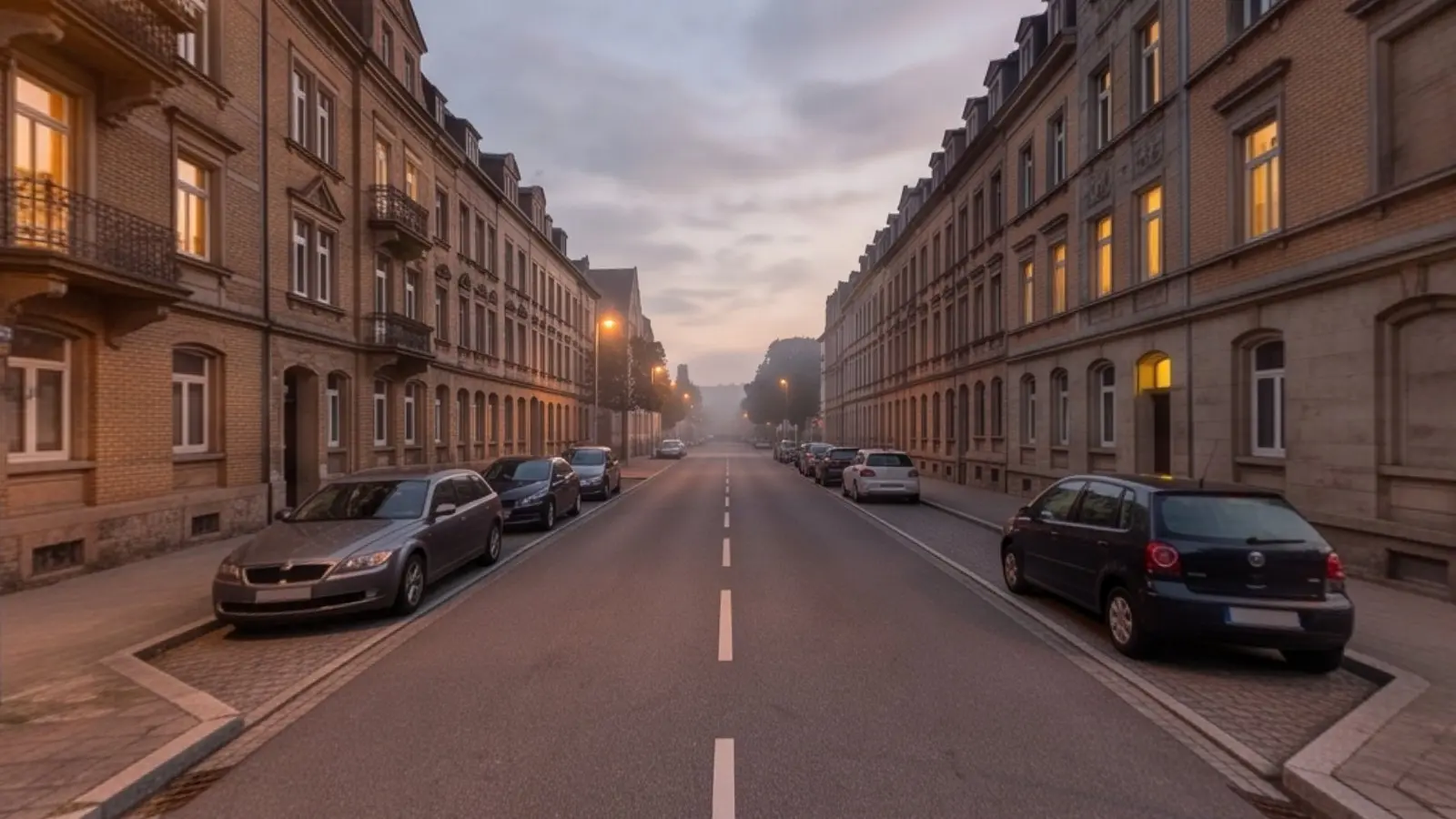
  • Image-based reconstruction
  • Up to 5 cm accuracy in X, Y and Z
  • Street furniture positioned and classified, ready for your GIS
Click to exploreDrag to look around · scroll or arrows to move · Esc to leave
Chapter 08 · Footprint

Born in Leuven research, headquartered in Montreal, working on three continents

Montreal, CanadaHeadquarters and production
Leuven, BelgiumOrigin: research collaboration at KU Leuven, 2005
North America · Europe · MENAMobile mapping, extraction and software delivery across the three regions
Chapter 09 · Next

Send us a corridor. Get back an inventory.

Tell us which streets matter. We will scope a capture run, an extraction and a delivery into your GIS, and show the result in GeoToWeb. We also extract features from the rasters, point clouds and aerial imagery you already hold, and label training data for your own models.

Faces and licence plates in all imagery are blurred automatically. Your data is processed for your project only and is never used to train our models.